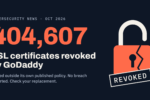
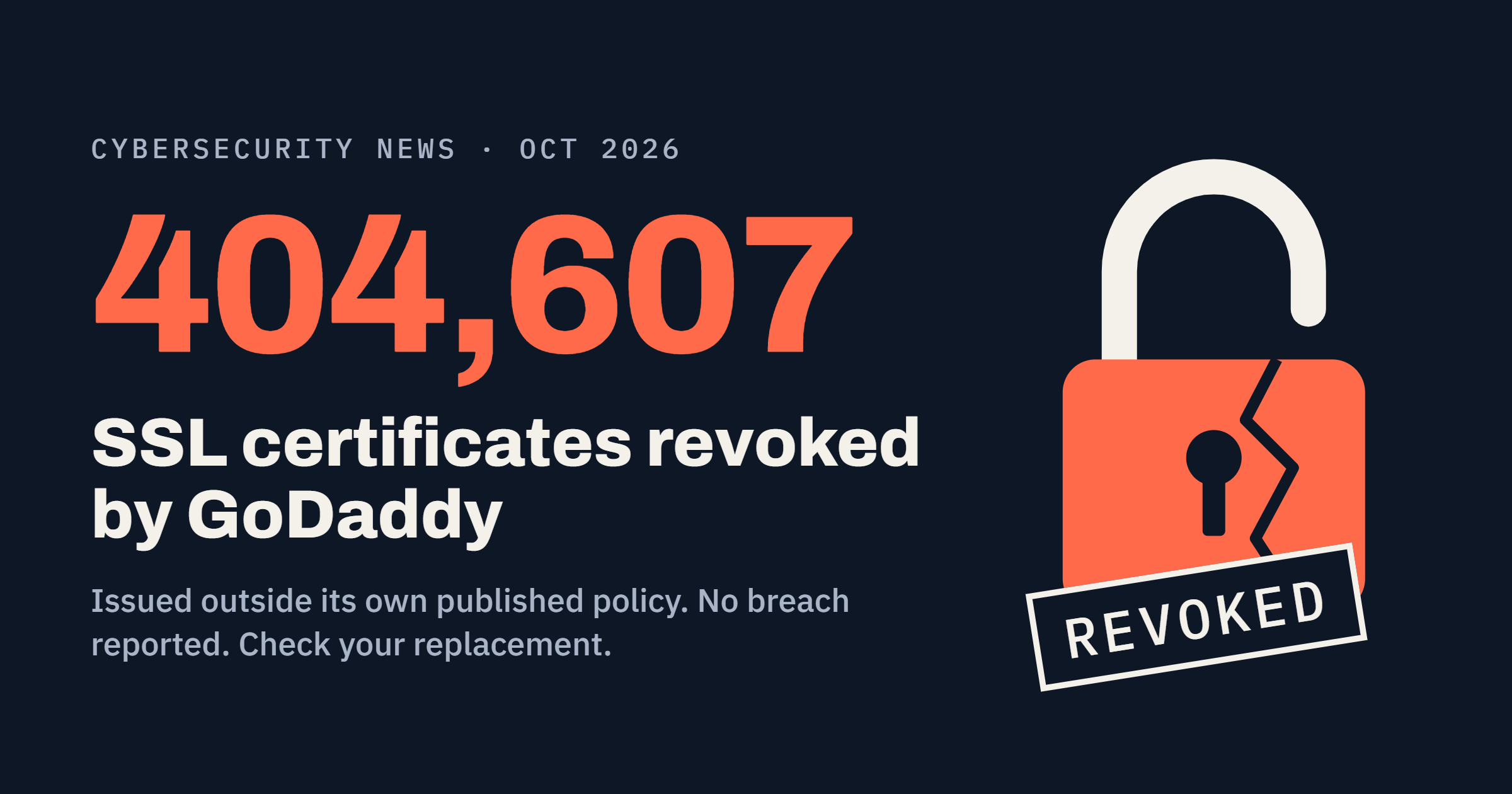
GoDaddy revoked 404,607 SSL/TLS certificates in October 2026 because the certificates did not match the profiles in its own published policy documents. No hack was reported. Owners who had not installed the replacement saw browser warnings once the old certificate was cut off.
If your site runs on a GoDaddy certificate, check your account for a pending replacement and install it. The steps are below.
What happened with GoDaddy’s SSL certificates?
An outside party told GoDaddy that some certificates it had issued did not match the profiles written in its Certificate Policy and Certification Practice Statement, known as the CP/CPS. GoDaddy confirmed the report and found more mismatches on its own.
It then paused issuance, corrected the CP/CPS text, and resumed issuing. In parallel, it started a mass revocation of 404,607 certificates and began contacting subscribers about replacements.
| Date (2026) | Event |
| Oct 22 | Mozilla incident thread: no affected certificate remains valid. Corrected total is 403,643, with 378,067 revoked and 25,576 already expired. |
| Oct 21 | GoDaddy’s customer notice dates the revocation of the affected certificates. |
| Oct 19, 05:29 UTC | 227,422 of 404,607 certificates revoked. |
| Oct 18, 23:45 UTC | Revocation deadline passes with 170,566 certificates revoked. |
| Oct 15 | GoDaddy files the incident with Mozilla’s CA compliance program and warns it will miss the deadline. |
| Oct 14 | GoDaddy starts contacting subscribers about replacement certificates. |
Why did GoDaddy revoke the certificates?
A public CA has to issue every certificate exactly as its published CP/CPS describes. Reported details point to the policy identifiers and CPS pointer fields inside the certificates. Those fields did not line up with the documents, across domain, organization and extended validation types.
The certificates still did their job on the wire. The problem was the label inside them. Under the CA/Browser Forum Baseline Requirements, a CA that learns a certificate broke its own CP/CPS should revoke within 24 hours and must revoke within five days.
Was GoDaddy hacked, and is my data at risk?
No breach has been reported. Gibraltar’s government IT department, which had sites on affected certificates, called it an error by GoDaddy and not a security breach. The incident thread also describes a compliance failure, not confirmed private-key theft.
Visitors saw warnings because browsers stop trusting a revoked certificate. Attackers did not touch the sites.
Which GoDaddy SSL certificates were affected?
Certificates issued under the GoDaddy and Starfield CA hierarchies, mostly domain-validated ones. Reported counts from the incident report put almost all of the 404,607 in two Starfield DV groups.
| Group | Certificates |
| Starfield R1, domain validated | about 208,896 |
| Starfield G2, domain validated | about 187,159 |
| Organization and extended validation (remainder) | about 8,552 |
| Total identified | 404,607 |
The OV and EV figure is my subtraction from the reported totals. Not every GoDaddy certificate was hit. Accounts show “No action needed” on certificates outside the incident.
Why did GoDaddy miss the revocation deadline?
Revoking a certificate that is live on a customer’s server takes that server down unless the owner installs the replacement first. GoDaddy told Mozilla on October 15 it would not finish by the deadline and chose to coordinate replacements instead.
Its stated priority was subscribers with large certificate counts, plus government, financial and health providers. At 23:45 UTC on October 18, 170,566 of 404,607 were revoked, about 42 percent.
GoDaddy opened a separate Mozilla report just for the delayed revocation. It reached zero valid affected certificates on October 22.
How do I check if my GoDaddy certificate was revoked and fix it?
GoDaddy reissued the affected certificates, but a new certificate sitting in your account is not the same as one running on your server. You still have to install it.
- Sign in to GoDaddy, open your product page, and select Manage All next to SSL Certificates.
- Open each certificate and read its status. “Action required: Install your new certificate,” “We couldn’t check your website,” and “This certificate needs your attention” all mean act now.
- Download the replacement with Download Zip File. For Deluxe Automated SSL, use Download Certificate.
- Install the new certificate and its intermediate chain everywhere TLS ends: web server, load balancer, CDN, or hosting panel.
- Reload the service, then test from a network outside your own. GoDaddy’s SSL Status Check tool helps confirm the live state.
Certificates marked “No action needed” need nothing from you.
What happens if I don’t install the replacement?
Visitors get a security warning or cannot open the site. This is what hit some Gibraltar government websites until replacements went in.
Behavior differs by browser and client. A site can look fine on your laptop while an API client, mobile app or monitoring probe rejects it. Test from more than one place.
Has GoDaddy revoked certificates in bulk before?
Yes. In 2021, GoDaddy revoked 457,911 certificates in an incident tied to a security problem in its Managed WordPress hosting environment (Bug 1742657).
In June 2024, it revoked 843 certificates after its CAA check mishandled wildcard requests (Bug 1904748).
The 2026 case differs from 2021. No hosting breach is reported this time. The trigger was a gap between what the certificates said and what the policy documents said.
What should certificate owners change after this?
The revoked certificates were technically sound. The cost landed on owners who had days, not weeks, to act. These habits shorten that scramble:
- Keep a live inventory of every public certificate, its issuer, and where it is installed.
- Automate issuance and renewal with ACME where your setup allows it.
- Keep CA account email and phone details current. Revocation notices arrive by email, SMS and calls.
- Set CAA records so only the CAs you intend can issue for your domains.
- Watch Certificate Transparency logs and run external certificate checks on every endpoint.
- Plan for short windows. Maximum certificate lifetime already dropped to 200 days in March 2026, with further cuts scheduled, so hand-installed certificates will keep getting harder to manage.
Sources
- GoDaddy: Delayed Certificate Revocation, Mozilla Bug 2083191
- Government websites among those affected by GoDaddy certificate error, Vox Gibraltar
- GoDaddy Revokes 404,607 SSL Certificates After Policy Errors, Hackread
- GoDaddy Revokes Over 400,000 SSL Certificates, Cyberpress
- GoDaddy Pulls Nearly 405K TLS Certs Over Policy Misalignment, The Daily Tech Feed
- GoDaddy Revokes 404,607 TLS Certificates, Mallory
- Two SSL/TLS Trust Failures This Week, Aaron Bregg